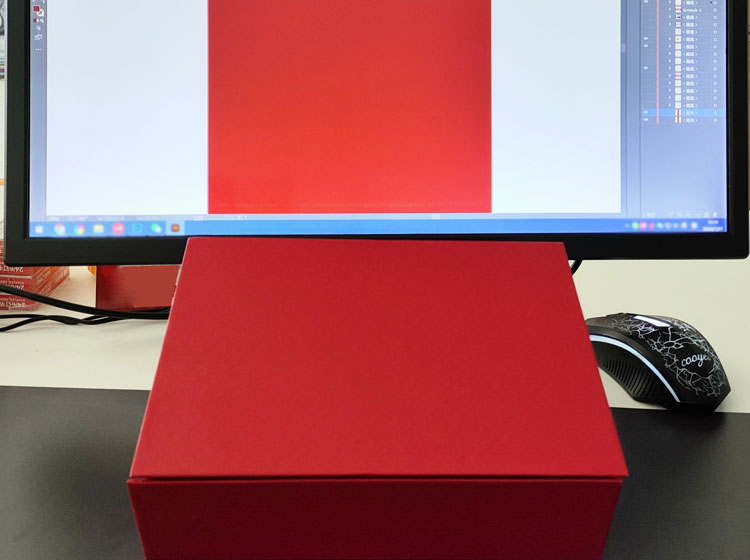
Have you ever noticed that the colors of printed materials can sometimes look different from the colors on your computer screen? This is a common issue that can be caused by a variety of factors.
One of the primary reasons for color discrepancies between printed materials and computer screens is the way that colors are displayed on different devices. Every computer monitor has its own color values and resolution, which can cause colors to look different from one screen to another. This is especially true for LCD monitors, which can have significant color variations depending on the make and model.
To illustrate this point, consider two computers in the same office. One computer may display a bright, vibrant red, while the other may display a darker, more muted shade of black. However, when both computers print the same document, the colors will be identical.
Another factor that can contribute to color differences is the type of lighting in the room where the printed materials are being viewed. Different types of lighting can affect the way that colors appear, making them look brighter or darker depending on the lighting conditions.
Finally, it's worth noting that the process of printing itself can also impact the final appearance of colors. The type of ink used, the quality of the paper, and other factors can all affect the way that colors appear on a printed material.
While it's not uncommon for printed materials to look different from computer screens, this is largely due to variations in color values and resolution between different devices. Understanding these factors can help you adjust your expectations and ensure that your printed materials look their best, regardless of how they appear on your computer screen.